

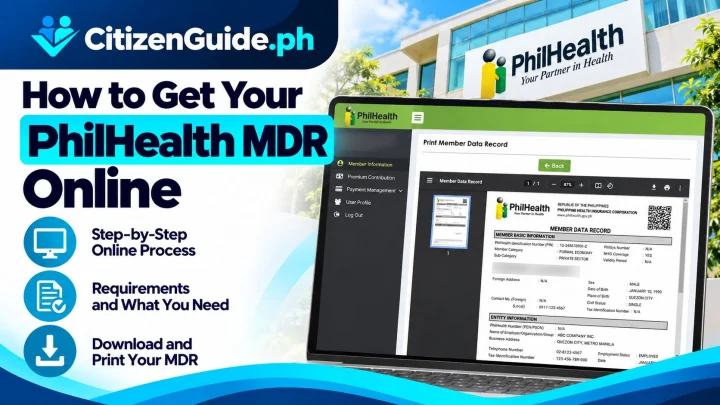




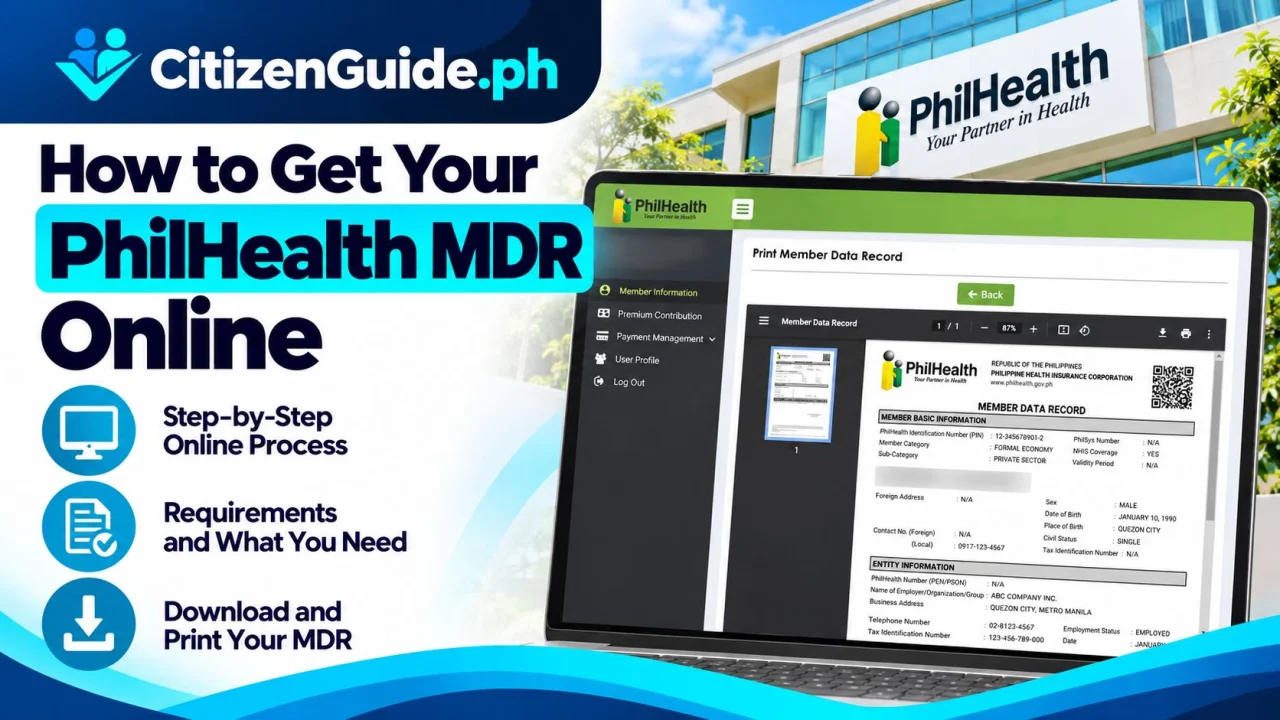
The PhilHealth Member Data Record (MDR) shows key information in your PhilHealth membership record, such as your PhilHealth Identification Number and registered personal or dependent details. PhilHealth lists its Member Portal as an online service where members can access records, contributions, and view or print the MDR.
What you need
- Your PhilHealth Identification Number (PIN) or the information required by the Member Portal.
- An active email address or mobile number associated with your online account when required.
- Your Member Portal login credentials if you already registered.
- A device that can open or print/save the MDR.
Step-by-step: view or print your MDR online
- Open PhilHealth’s official online services page. Go to philhealth.gov.ph/services.
- Choose Member Portal. Use the Register/Login option shown under Membership.
- Sign in to your account. If you do not yet have an online account, follow the portal’s current registration instructions.
- Review your membership record. Check your name, PIN, membership details, and dependents before using the record for an important transaction.
- Open the MDR option. PhilHealth’s online-services page specifically states that the Member Portal allows members to view or print their MDR.
- Save or print the MDR if needed. Keep a digital copy only on a device or storage location you control because it contains personal information.
What if the information is wrong?
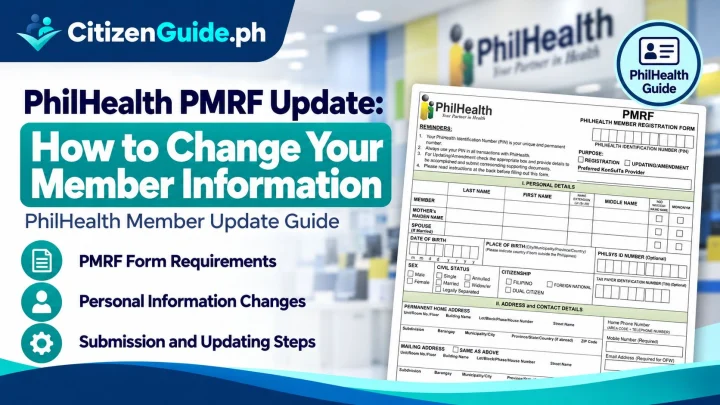
If your name, civil status, address, dependents, or other membership information needs correction, do not edit the PDF itself. Use PhilHealth’s official membership-amendment procedure or contact a PhilHealth office. The requirements can depend on the information being changed.
New employee without a PhilHealth PIN
PhilHealth’s registration guidance for formal-economy members states that newly hired employees without a PIN complete the PhilHealth Member Registration Form (PMRF) and submit it through their employer’s HR process. If you are a first-time member rather than an existing member trying to print an MDR, follow the registration path that matches your membership category.
Privacy reminder
- Do not post your MDR publicly or send it to an unknown fixer.
- Use only the official PhilHealth website and Member Portal.
- Do not share your portal password or OTP.
- Confirm whether the organization asking for an MDR really needs a full copy containing your personal details.
Official sources
CitizenGuide.ph cannot view, change, or retrieve your PhilHealth membership record.
When should you print the MDR, and when should you update the record first?
The PhilHealth Member Data Record is most useful when the information shown is already correct. Before handing it to an employer, hospital, school, or another requesting office, compare the displayed details with your current personal and membership information.
| What you see or need | Best next step |
|---|---|
| Your name, PIN, membership details, and dependents are correct | Use the official Member Portal to view or print the MDR if the receiving office asks for it. |
| An employer, dependent, address, civil-status, or other member detail is outdated | Follow PhilHealth’s member-record update process before relying on the old MDR for a current transaction. |
| You cannot access the Member Portal | Recover or verify your existing PhilHealth account/PIN through official PhilHealth support instead of creating another member record. |
| You only need to check contribution information | Use the Member Portal record/contribution features; do not assume an MDR printout by itself proves every payment period. |
Before you submit an MDR to an employer or another office
Check the spelling of your full name, PhilHealth Identification Number, membership category, employer information when applicable, and listed dependents. If the receiving office is asking for proof of a specific contribution period or eligibility for a benefit, ask whether it also needs a separate contribution or eligibility record. The MDR is a membership record, so it should not be treated as a substitute for every PhilHealth document.
When an old employer or dependent is still shown
An outdated entry is a record-maintenance issue, not a reason to create a second PhilHealth identity. Prepare the supporting documents that apply to the change and use PhilHealth’s official member-update channel or an authorized office. Keep a copy of any transaction reference or acknowledgment issued for the update.
If you are unsure whether a correction has already been applied, check the current Member Portal record again before sending a newly printed MDR to another party.