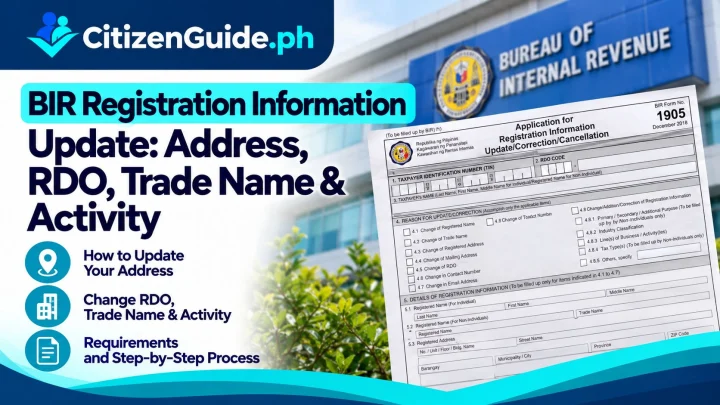


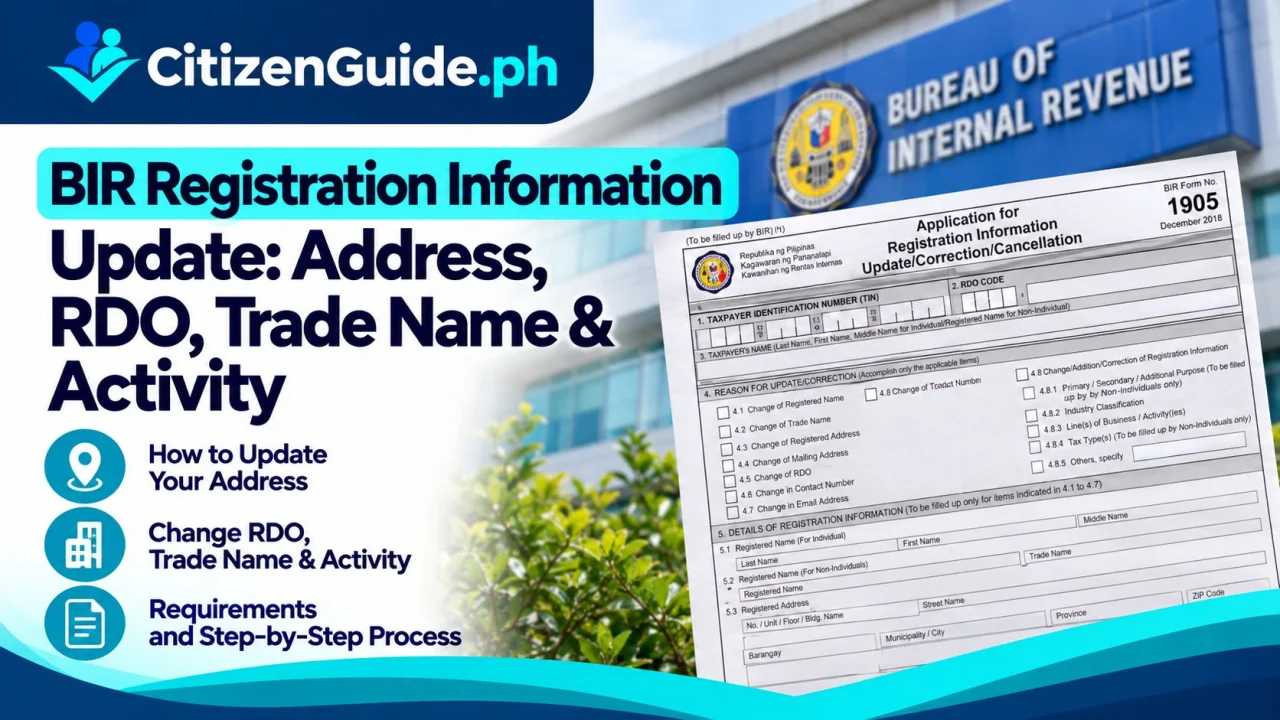
BIR Registration Information Update: Address, RDO, Trade Name & Activity guide cover
Independent guide cover • always verify with the official agency
Philippine Government Guide

BIR Registration Information Update: Address, RDO, Trade Name & Activity

BIR registration information update guide for address/RDO, registered or trade name, civil status, contact details and line of business through ORUS or Form 1905.

Government agencyBureau of Internal Revenue (BIR)
FeesBIR’s current documentary checklist states that several ORUS registration-information updates are free of charge. Specific replacement/certification or related transactions may have separate fees.
ProcessingDepends on the type of update, supporting documents, ORUS availability and the RDO handling the taxpayer record.
Last verifiedOctober 22, 2026
Before you transact: Government requirements, fees, schedules, and online systems can change. Use this guide to prepare, then confirm critical details with the official agency source.
Before you start

Preparation checklist

Tick items as you prepare. Your progress is saved only on this device.

A BIR registration information update changes an existing taxpayer record. It is different from new registration and different from closing a business. Start by identifying the exact field that changed, because an address/RDO transfer, trade-name update, civil-status update, contact-detail change and added line of business do not all use the same supporting documents.

Which BIR information are you changing?

Change What to watch for
Contact details/contact person Often available through ORUS; make sure the taxpayer/account identity is correct
Civil status Supporting civil-registry proof may be needed
Residence/business address Determine whether the move stays within the same RDO or transfers the registration record
Registered name / trade name Use the supporting registration/name documents that match the taxpayer type
Add/change registered activity or line of business Update the business activity without treating it as a brand-new TIN
Closure/cancellation This is a separate cancellation/closure workflow, even though Form 1905 also contains cancellation sections

ORUS or BIR Form 1905?

BIR Form No. 1905 is the official Application for Registration Information Update/Correction/Cancellation. BIR’s current ORUS guidance also provides an online “Application for Registration Update / Correction / Cancellation” workflow for supported updates. The current documentary checklist states that several ORUS updates—including contact information, civil status, residence address, transfer of registration record and additional line of business—can be processed online free of charge.

Step 1: Confirm the taxpayer and branch being updated

Use the correct TIN and determine whether you are updating the Head Office or a branch. In ORUS, BIR asks users to select the entity/branch before choosing the information to update. Do not edit the wrong branch simply because the registered name is the same.

Step 2: Choose the exact information to update

The current BIR update form includes registered/trade name, registered address/RDO transfer, accounting period, registered activity/line of business, facilities and other update categories. Select only the change that actually applies and prepare the supporting documents for that change.

Step 3: Handle RDO/address changes carefully

An address update can be within the same RDO or can trigger transfer to another RDO. Use the new complete address and confirm the correct jurisdiction. After processing, verify that the registration record shows the intended RDO and address before relying on it for invoicing, books, permits or other tax transactions.

Step 4: Check the updated registration record

After approval, review the taxpayer profile/registration information and any updated certificate/seal/registration output made available by BIR. If you changed a line of business, trade name or address, also check whether your invoice/ATP/books/POS or other registration components need a separate update. A registration update does not automatically update every tax-related permit.

Do not use an update to create a second TIN

Existing taxpayers generally update the existing registration record. Creating another TIN because the address, civil status, employer or business activity changed can cause duplicate-record problems.
CitizenGuide practical notes

Useful details before you continue

Many current ORUS information updates are listed by BIR as free of charge.

An address change can also be an RDO transfer; confirm jurisdiction rather than changing only the street address.

A BIR registration update does not automatically fix invoices, ATP, books, POS/EIS or every related permit—check each affected component.

Troubleshooting

If something goes wrong

Start with the closest issue below before creating another application or account.

ORUS does not offer the exact update I need

Use the current BIR Form 1905/documentary checklist and contact the RDO for the proper manual/office route rather than selecting an unrelated update.

I moved to another city/RDO

Use the address/transfer-of-registration option and verify the destination RDO after processing.

My registration is correct but my invoice/ATP still shows old information

Check whether the invoicing/ATP/printing registration needs its own update after the core taxpayer record changes.

Frequently asked questions

Quick answers about this process

What form is used to update BIR registration information?

BIR Form No. 1905 is the Application for Registration Information Update/Correction/Cancellation; supported update types are also available through ORUS.

Is a BIR registration information update free?

BIR’s current documentary checklist states that several ORUS information updates are free of charge. Related replacement or certification transactions may have separate fees.

Do I need a new TIN when I move or change business activity?

Normally you update the existing taxpayer registration record. Do not create a second TIN simply because registration information changed.

Sources checked

Official references used for this guide

Last checked October 22, 2026.

Editorial maintenance

What changed in this guide

Maintained by the CitizenGuide Editorial Team.

Completed the CitizenGuide research draft with current official-source verification, guide-specific decision guidance, troubleshooting, FAQs, and contextual links.

Official verification

Finish through the official government channel

CitizenGuide.ph explains the process, but we do not accept government applications or payments. Use the responsible agency's official website for the final transaction.

Open official source ↗