




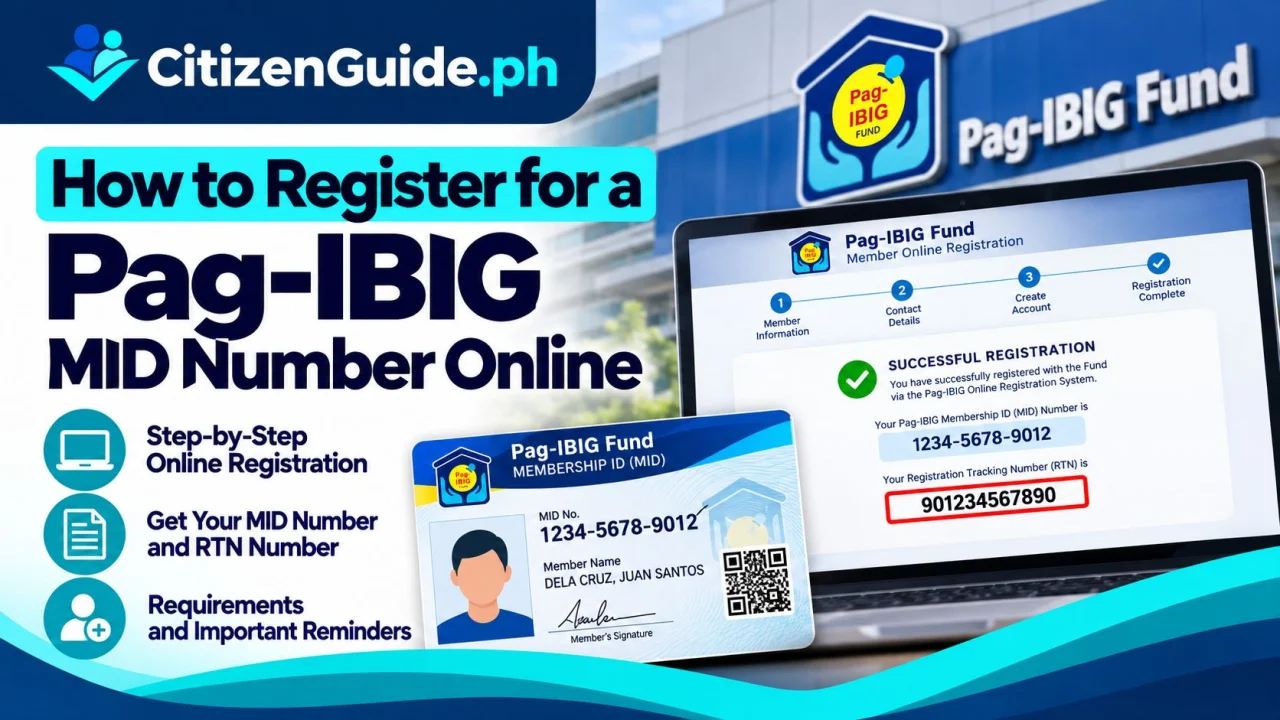
Your Pag-IBIG Membership Identification (MID) Number is the permanent number connected to your Pag-IBIG Fund membership record. First-time registration can be started through Pag-IBIG’s online membership service. The first number you receive after submitting the form may be a Registration Tracking Number (RTN), which is different from the permanent MID Number.
Before you register
- Prepare your complete legal name and birth details.
- Use the spelling that matches your birth or identity records.
- Have your present and permanent address ready.
- Prepare employer information if you are employed.
- Know the membership category that applies to you, such as employed, self-employed, OFW, or another covered category.
- Use a mobile number and email address that you control.
Step-by-step online membership registration
- Start from the official Pag-IBIG website. Open pagibigfund.gov.ph and use its e-services/Virtual Pag-IBIG links instead of searching for random registration pages.
- Choose the membership registration service. Follow the option for a new member or online membership registration.
- Enter your personal information. Double-check your full name, date of birth, civil status, address, contact details, and other required fields.
- Complete employment or membership-category details. Enter the information that matches your actual status.
- Review the form before submitting. Errors in names and birth details can create verification problems later.
- Save the Registration Tracking Number. Take a screenshot or save the confirmation message because the RTN can be used when verifying your permanent MID Number.
- Verify your MID after Pag-IBIG processes the registration. Use the official verification service linked by Pag-IBIG. Do not create a second membership just because the MID does not appear immediately.
RTN vs. MID Number
The RTN is a tracking/reference number generated after online registration. The MID Number is the permanent Pag-IBIG membership identifier. Keep both until you have verified that your permanent membership record is active and correct.
Do you need to visit a branch?
Many registration steps can be completed online, but some members may still need branch assistance for record corrections, account issues, document verification, or other services. Pag-IBIG’s official forms also show that a Member’s Data Form and valid identification may be required for certain registration or record-completion transactions.
Avoid duplicate membership records
If you think you registered before, try to verify or recover your existing MID rather than creating another membership record. Duplicate records can cause problems when contributions, loans, or benefits are matched to your account.
Official sources
CitizenGuide.ph does not create Pag-IBIG accounts or have access to member records.
Do you need a new MID Number, or do you need to recover an existing record?
A Pag-IBIG MID Number is meant to identify one member record. Before registering again, check whether you may already have a number from earlier employment or a previous membership transaction.
| Your case | Best starting point |
|---|---|
| You have never registered as a Pag-IBIG member | Proceed with the official membership-registration workflow and keep the registration tracking details. |
| You registered before but cannot remember the MID | Use the official verification/recovery route rather than creating another membership record. |
| Your name or civil-status details changed | Update the existing member record; do not treat a data change as a reason for a new MID. |
| An employer reports a mismatch | Compare the employer submission with the Pag-IBIG member record before registering again. |
After registration: verify before using the number
Keep the registration tracking/reference and confirm the MID when it becomes available through the official channel. Check the spelling of the member name and personal details before using the number for contributions, loans, or employer records.
Related transaction: If you already have a MID and are now claiming savings because of retirement or membership maturity, continue with the Pag-IBIG Provident Benefits Claim guide instead of registering another MID.
Related transaction: If you already have your MID and are planning to finance a home purchase, construction or improvement, see the Pag-IBIG housing loan guide .