




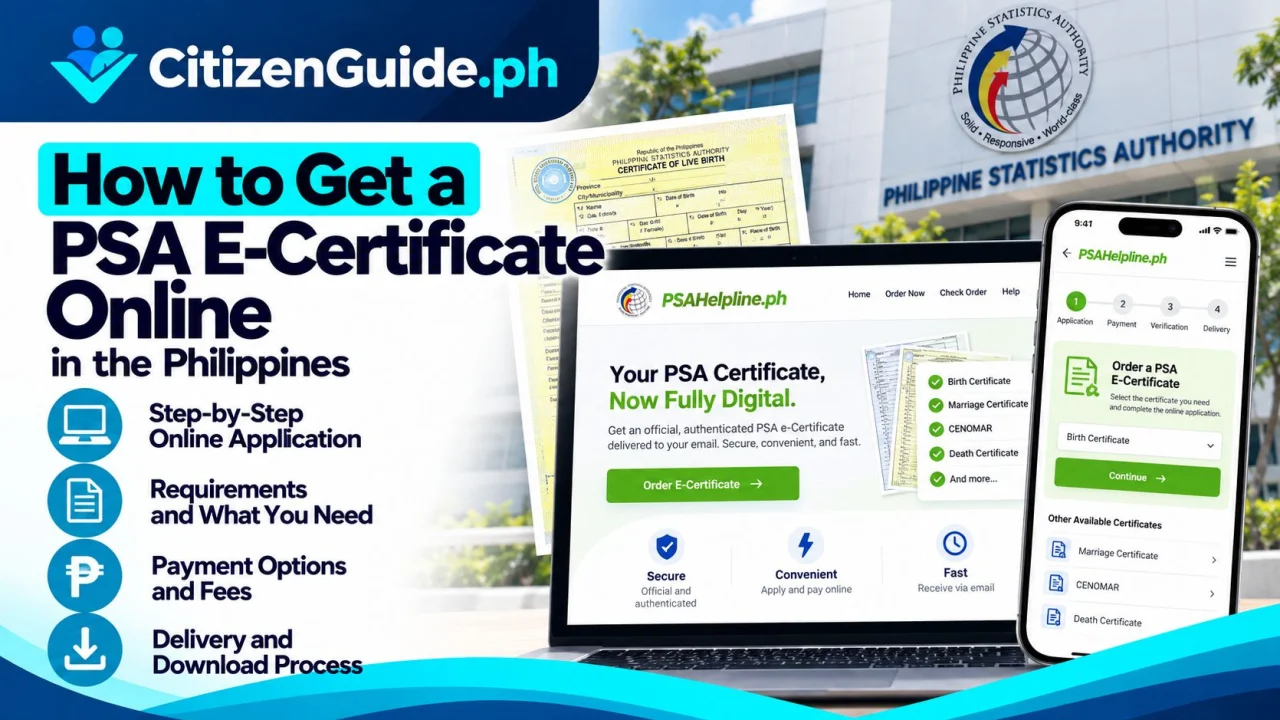
The Philippine Statistics Authority (PSA) now offers PSA E-Certificates, secure digital versions of selected civil registry documents. The service covers Birth, Marriage, and Death Certificates, as well as CENOMAR/Advisory on Marriages and CENODEATH/Advisory on Deaths. PSA states that the E-Certificate is a digitally secured PDF version of the PSA-issued record and carries the same legal validity as the physical PSA-issued document.
This is useful when you need a civil-registry document quickly for school, employment, benefits, banking, visa preparation, or another transaction that accepts the digital format. The receiving institution can verify the document using the QR code on the cover page or the PSA E-Certificate verification portal.
Before you order
- Make sure you are requesting the correct document type.
- Use an active email address because the secure access link and service notifications are sent electronically.
- Prepare the personal and civil-registry details requested by PSAHelpline.
- Be ready to complete identity verification when required.
Step 1: Use the official PSAHelpline channel
Open the official PSAHelpline service from the PSA website or go to PSAHelpline.ph. Choose the certificate you need, then select the PSA E-Certificate Digital Copy option when available.
Step 2: Enter the record and requester details
Complete the online form carefully. Names, dates, places, and relationship information should match the civil-registry record as closely as possible. Incorrect details can delay record matching or result in an unsuccessful search.
Step 3: Complete identity verification
The E-Certificate service uses identity verification before releasing the digital record. Follow the official prompts and do not send identity documents or one-time passwords to unofficial social-media accounts or private agents.
Step 4: Review the current fee and pay
PSAHelpline currently lists E-Certificate rates of ₱290 for Birth, Marriage, and Death Certificates and ₱345 for CENOMAR and CENODEATH. Rates and payment channels can change, so use the amount shown in the official checkout.
Step 5: Wait for PSA release
After successful processing and identity verification, a secure access link is sent to the registered email. PSAHelpline says the digital copy remains viewable online for a limited period, so download and store your copy securely once it becomes available.
How to verify a PSA E-Certificate
A receiving agency can scan the QR code on the E-Certificate cover page or use the official PSA verification portal. The reference number and authentication code shown on the document are used for online verification.
Printed copy or digital copy?
The E-Certificate is designed for digital use and verification. PSA has issued 2026 guidance encouraging acceptance of E-Certificates in public transactions and encouraging acceptance by private institutions. Still, confirm whether your specific recipient requires the digital version, a printed E-Certificate, or a physical SECPA copy.
Common mistakes to avoid
- Ordering the wrong certificate type.
- Using an email address you cannot access.
- Entering names or dates differently from the registered record.
- Assuming every private organization accepts digital documents without checking.
- Sharing the secure link, authentication details, or personal record publicly.
Official sources
- PSA Public Advisory — E-Certificate Service
- PSA — PSAHelpline Official Channel
- PSAHelpline — E-Certificate FAQs
Before ordering: confirm that the receiving institution accepts an E-Certificate
The digital format is useful only when the recipient accepts it for the intended transaction. Ask first whether it needs a physical PSA-issued copy, an e-certificate, or another certified format.
| Your need | What to confirm |
|---|---|
| You need a digital document quickly | Confirm the exact PSA document type is available as an E-Certificate and accepted by the recipient. |
| You need a document for a legal/government transaction | Ask whether that office accepts the digital format or specifically requires a paper copy. |
| The record contains an error | Do not expect a new E-Certificate order to correct the civil-registry record; identify the proper correction process. |
| You need to prove authenticity | Use the official verification mechanism associated with the issued certificate instead of sharing an editable image. |
Store and share the file carefully
Keep the original downloaded file and order/reference details. Avoid converting it into screenshots or altered copies when verification matters, and do not upload the certificate to public websites or unknown document-checking services.
Related transaction: If the receiving institution abroad requires authentication after you obtain the civil-registry document, check the DFA Apostille Philippines guide .