




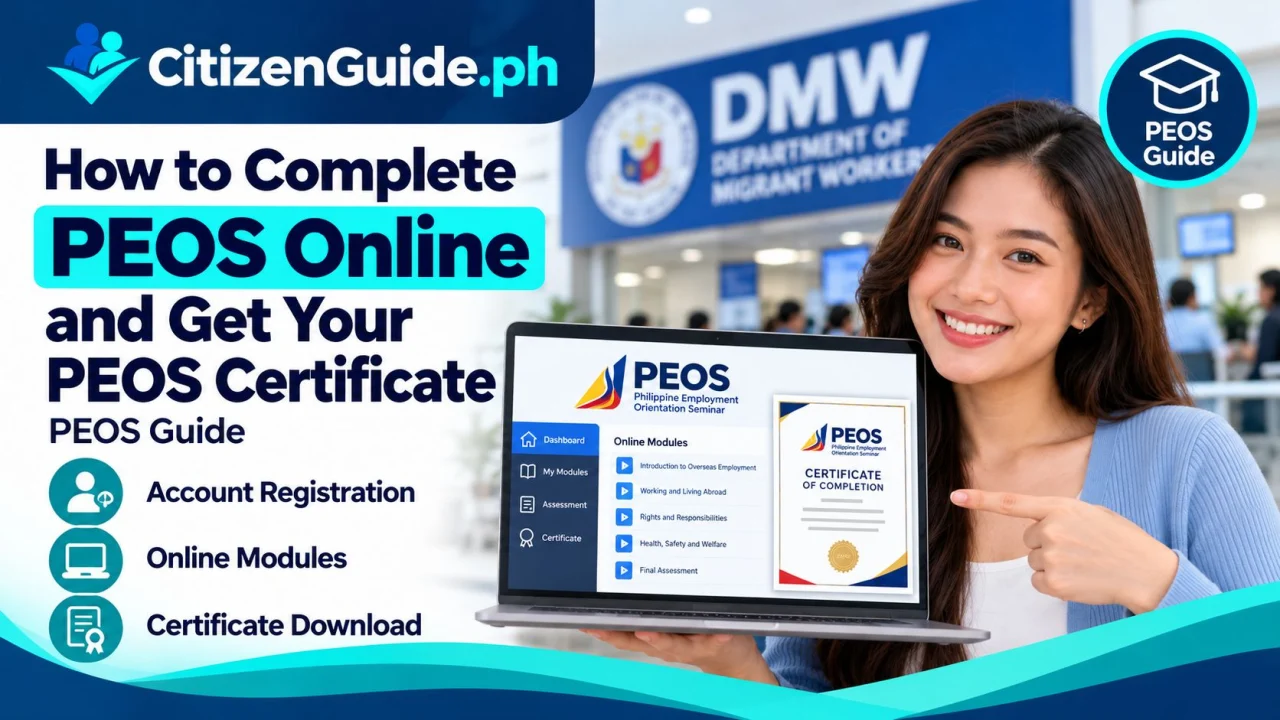
PEOS certificate online processing is part of the DMW pre-employment orientation flow for many Filipino overseas-job applicants. This guide explains the account, module and certificate steps without replacing the official DMW portal.
The Pre-Employment Orientation Seminar (PEOS) is a free online learning program of the Department of Migrant Workers for Filipinos preparing to work overseas. It covers the overseas job-application process, documentary requirements and costs, contracts, country information, health and safety, and protection against illegal recruitment.
What you need before starting
- Your DMW eRegistration number and account information.
- Your legal first and last name as recorded in eRegistration.
- A stable internet connection and enough time to complete the modules and assessment.
Step 1: Open the official PEOS Online website
Go to peos.dmw.gov.ph. The official page states that PEOS registration is free.
Step 2: Enter your DMW eRegistration credentials
Provide the eRegistration number and name requested by the system. If the system cannot match your record, fix the DMW eRegistration issue first instead of creating a fake or duplicate worker identity.
Step 3: Choose the correct module type
The current PEOS site offers module types for Professional/Skilled workers and Household Workers. Choose the category that matches your planned overseas employment.
Step 4: Complete the eight learning modules
PEOS currently contains eight modules covering topics such as overseas job search, documentary requirements, illegal recruitment, pre-departure costs, employment contracts, country information, health and safety, and DMW/worker-support information.
Read the material instead of clicking through quickly. The assessment is based on the learning modules, and the information can help you identify unsafe recruitment practices and incorrect fees.
Step 5: Complete the required assessment
Follow the system instructions after the modules and complete the assessment. Review any incorrect answers and make sure the seminar is fully recorded as completed in the official system.
Step 6: Save or print your PEOS completion record
After successful completion, save or print the certificate/completion record made available by the system. Keep a digital copy together with your other overseas-employment documents.
PEOS is not a job offer
Completing PEOS does not guarantee overseas employment and does not authorize a recruiter. Always verify recruitment agencies and job orders through official DMW channels before paying fees or submitting original documents.
Common mistakes to avoid
- Using a fake PEOS website.
- Entering someone else’s eRegistration credentials.
- Selecting the wrong worker module type.
- Skipping the lessons without understanding the illegal-recruitment warnings.
- Paying someone for a service that DMW provides free online.
Official sources
PEOS, eRegistration, and OEC are different parts of the OFW process
These services are related, but they do not serve the same purpose. Knowing which record you are working on prevents a common mistake: completing one step and assuming the next government requirement is already satisfied.
| Service | Main purpose in the workflow |
|---|---|
| DMW eRegistration | Your worker account/profile used across DMW online services. |
| PEOS | Pre-employment orientation modules and certificate showing completion of the online orientation. |
| OEC/Balik-Manggagawa process | A separate deployment/exit-clearance-related transaction for workers who fall under the applicable OEC process. |
Before you start the PEOS modules
Use your own worker account and make sure the name and identity details are consistent with the DMW records you will use later. Complete the modules yourself and keep access to the email/mobile account used for recovery. The certificate should reflect your legitimate account completion, not a file obtained or edited by another person.
If the certificate will not generate
Return to the module list and identify any item still marked incomplete. If every required module appears complete but the certificate is unavailable, use the official PEOS/DMW support route and keep screenshots or transaction details that show the completed status. Do not create a second worker identity just to repeat the modules.
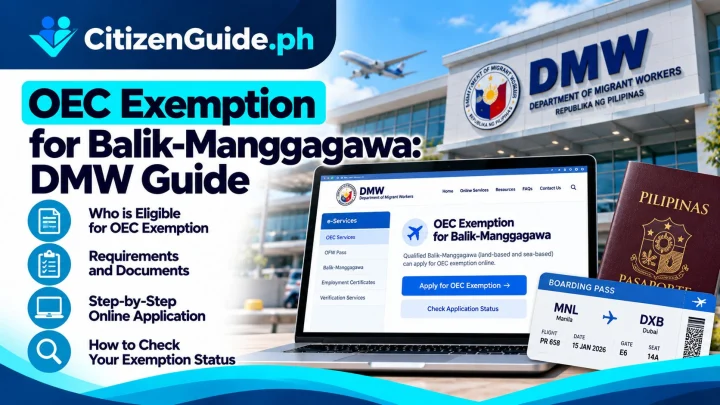
Related transaction: If you are a returning worker preparing to leave again, check whether the OEC exemption Balik-Manggagawa guide matches your employment situation.