




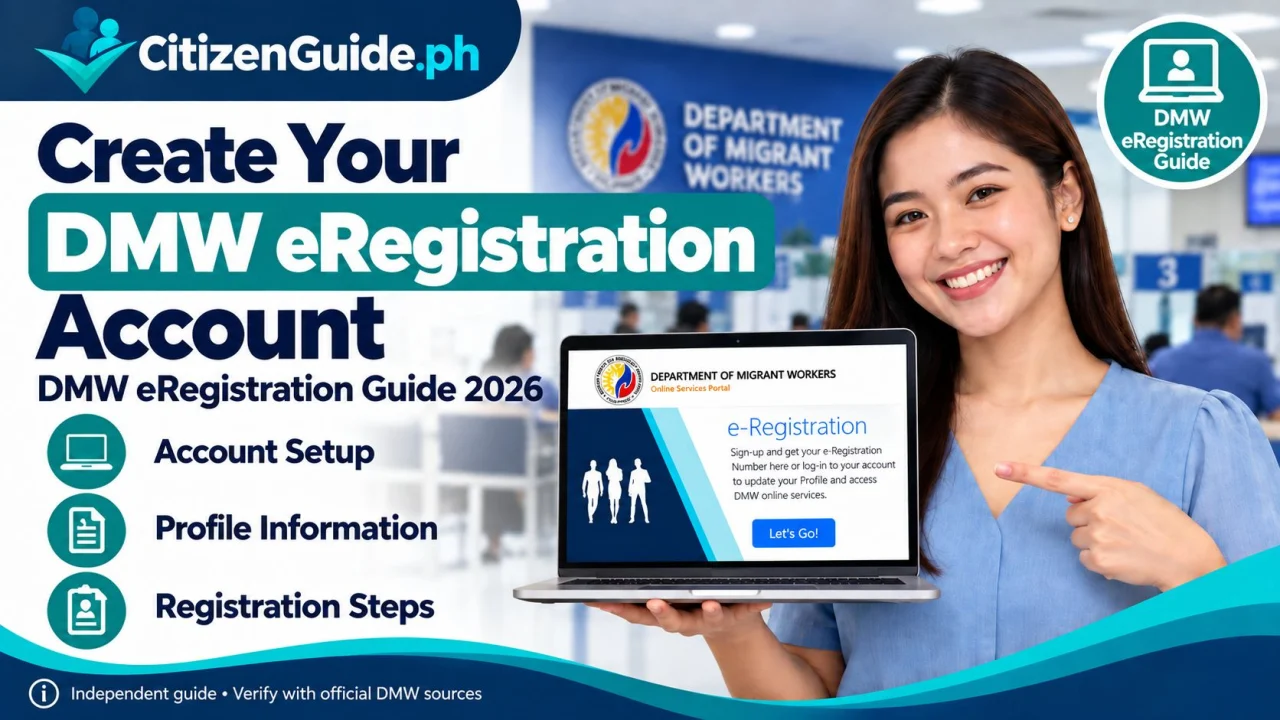
The DMW eRegistration account is the worker profile used across several Department of Migrant Workers online services. It is especially important for Filipinos preparing for overseas employment because DMW services can use the eRegistration record for worker registration, PEOS, Balik-Manggagawa/OEC processing, and related transactions.
Why the eRegistration account matters
The official DMW online portal is designed to provide overseas-employment information and services, including worker registration and OEC-related processing. Your account becomes part of your DMW worker record, so use accurate information and avoid duplicate accounts.
Step 1: Open the official DMW account page
Use the official DMW Online Services account registration page. Do not create an account through links sent by unknown recruiters or social-media pages.
Step 2: Enter your personal information exactly
Use your legal name and personal details as shown on your passport and civil records. Differences in spelling, birth date, or name order can cause problems when the worker record is matched to passport, contract, or deployment information.
Step 3: Use an email address and mobile number you control
Your email and contact details may be used for verification, account recovery, and transaction notices. Do not use the recruiter’s personal email as your permanent worker account.
Step 4: Complete the worker profile
Fill in the employment, education, skills, passport, and other fields requested by the portal as applicable. Keep the information updated when you receive a new passport or when your employment details change.
Step 5: Keep your eRegistration number and login secure
Your eRegistration credentials can be used to access DMW services such as PEOS and Balik-Manggagawa. Save your eRegistration number in a secure place and use the official recovery/helpdesk process if you lose access.
Do not create duplicate worker records
If you previously registered with POEA/DMW but cannot access the old account, use the official DMW helpdesk or account-recovery process instead of creating multiple records with different spellings or emails.
POEA eRegistration or DMW eRegistration?
Many Filipinos still search for POEA eRegistration, but current overseas-employment online services are handled by the Department of Migrant Workers (DMW). Some legacy government pages may still use POEA wording. For account creation, login, recovery, and profile management, use the current official DMW portal links in this guide.
What to prepare before creating an eRegistration account
The initial DMW account-registration form asks for basic identity and contact information. Prepare the details exactly as they appear in your official records:
- Your legal first, middle, and last name, including suffix if applicable.
- Your correct birth date and gender.
- An active personal email address that you control and can access for account recovery.
- Accurate passport, identification, education, work-experience, training, and other worker-profile information when you complete or update your profile.
Important: DMW requires users to provide true and complete information and to keep their registration data updated. Do not use a recruiter’s email address as your permanent account email.
Your DMW eRegistration Number: why you should save it
After successful registration, keep your eRegistration Number in a secure place together with your other overseas-employment records. The official PEOS system specifically tells users to take note of this number because it is required when accessing PEOS.
- Save the number in a secure password manager, private note, or protected document.
- Use the same worker identity and account when accessing related DMW services.
- If you cannot locate or access your account, recover the existing account instead of creating a duplicate.
How to log in and update your DMW profile
- Open the official DMW Portal login page.
- Enter the email address and password registered to your eRegistration account.
- After signing in, review the worker information available in your account and update details that the portal allows you to edit.
- Keep important identity, passport, contact, employment, and training information accurate before using the account for another DMW transaction.
DMW’s registration terms require users to maintain and promptly update their registration information so it remains true and complete.
How to recover your eRegistration account
If you cannot sign in, use the official DMW Account Recovery page instead of immediately creating another account.
- Forgot password: use your registered email address to start the password-reset process.
- Forgot email: the official recovery page provides a separate Forgot Email? option and an OTP-based recovery route.
- Wrong personal information or multiple accounts: use the DMW Helpdesk. Some data corrections and duplicate-account concerns require DMW support and may require supporting documents.
If you previously had a POEA or Balik-Manggagawa record
Do not create several eRegistration accounts just to find an old record. DMW’s official Balik-Manggagawa transfer facility says old BM records are normally transferred 2–6 hours after an eRegistration account is created. If more than six hours have passed and the old record is still missing, use the official transfer facility.
Open the official Old BM Record Transfer facility ↗
Common eRegistration problems and what to do
- I cannot log in: use Account Recovery first and confirm that you are using the email tied to the existing account.
- I forgot the email I registered: use the official Forgot Email option or DMW Helpdesk rather than opening another account.
- My name, birth date, gender, or email is wrong: submit the appropriate eRegistration Helpdesk request; DMW may require supporting documents for corrections.
- I accidentally created multiple accounts: stop creating new records and request DMW assistance for the duplicate-account concern.
- My old Balik-Manggagawa record is missing: allow the normal transfer window first, then use the official BM record-transfer facility if needed.
What to do after eRegistration
Your eRegistration account is a starting point for several overseas-employment services. Depending on your situation, your next step may include:
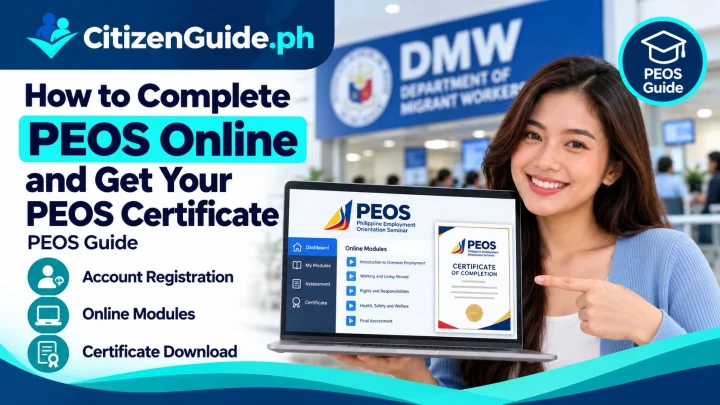
- Complete PEOS Online using your DMW eRegistration credentials.
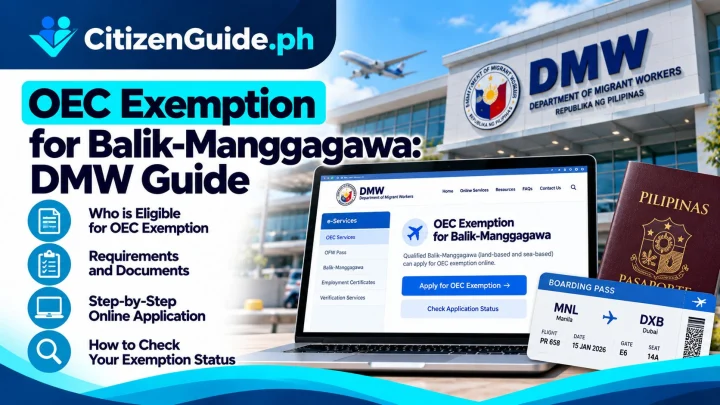
- Process an OEC or OEC Exemption if you are a covered Balik-Manggagawa / returning OFW.
- Update your worker profile and employment history before another DMW transaction.
- Use the official DMW FAQs and Helpdesk when an account issue cannot be resolved through the normal login or recovery pages.
Common uses of the account
- Pre-Employment Orientation Seminar (PEOS).
- Balik-Manggagawa OEC/OEC-exemption processing.
- Worker registration for overseas employment.
- Selected direct-hire and deployment services.
- DMW worker record and related online transactions.
Common mistakes to avoid
- Using a fake or temporary email address.
- Entering a nickname instead of the legal passport name.
- Creating a duplicate account when an old record already exists.
- Sharing your password with a recruiter, fixer, or unknown person.
- Failing to update passport or employment information.
Official sources
Related transaction: If you already have your DMW account and are preparing for overseas employment, continue with the PEOS certificate online guide .