



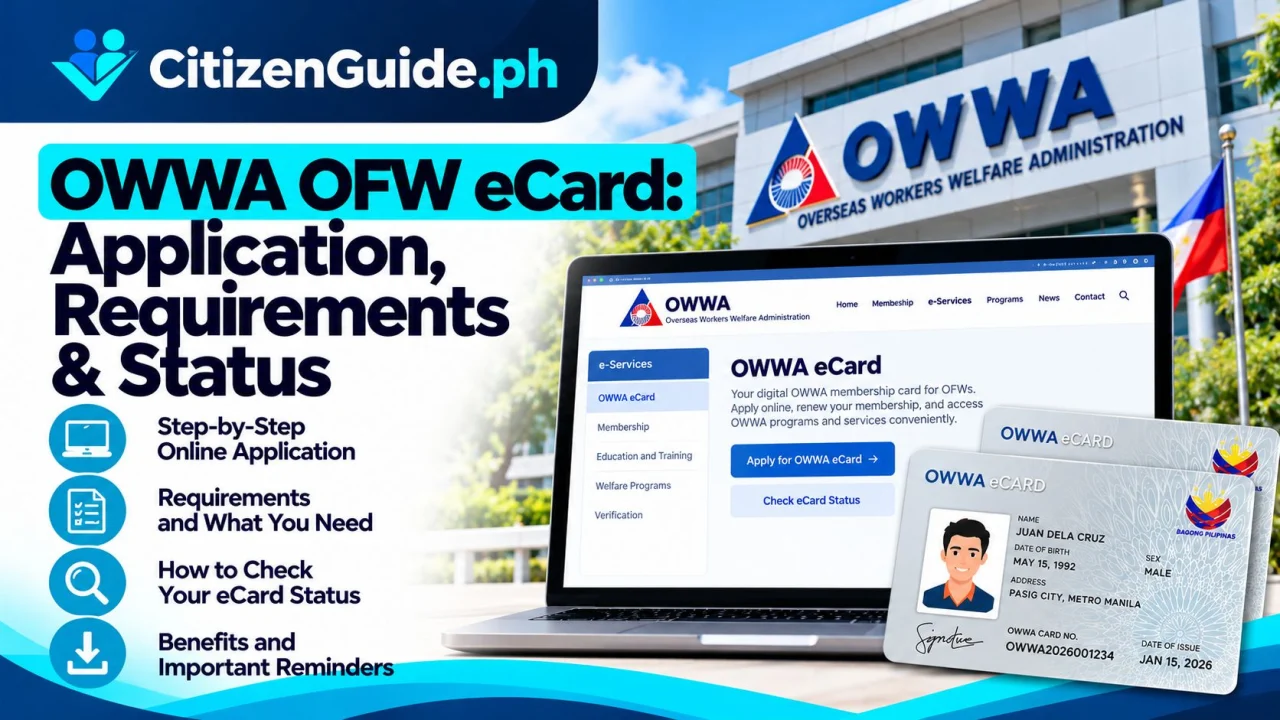
The OWWA OFW eCard is for eligible active OWWA members who need a convenient membership ID for supported OWWA services. Confirm active membership and passport details before starting the official application.
The OWWA OFW eCard is proof of active membership with the Overseas Workers Welfare Administration. OWWA states that it is recognized as a government-issued ID and can be presented when accessing OWWA programs and services, including at Migrant Workers Offices, Philippine embassies, or consulates abroad when assistance is needed.
Who can apply?
According to OWWA’s current eCard FAQ, OFWs with an active OWWA membership, a valid passport, and proof of OWWA membership are eligible to apply.
Prepare these basic requirements
- Current and valid passport.
- Most recent OWWA membership document showing active membership status.
- Accurate personal and contact information.
- Access to the official OWWA eCard application/service channel.
Step 1: Confirm your OWWA membership status
OWWA advises members to check membership status through the OWWA Mobile App or an official OWWA office/service channel. If your membership is expired, renew it first using the applicable official process before applying for the eCard.
Step 2: Open the official OWWA eCard service
Use ecard.owwa.gov.ph. Follow the current application instructions and provide only the information requested by the official service.
Step 3: Submit the required membership and passport details
Make sure the passport information and OWWA membership record belong to the same applicant and are current. If the system cannot validate your record, coordinate with OWWA rather than creating duplicate identities.
Step 4: Monitor card status and pickup instructions
Follow the status and release instructions shown by the official OWWA service. Card pickup or distribution arrangements can differ depending on where the application is processed.
Digital OWWA eCard
OWWA says a digital eCard is available through the OWWA Mobile App and functions like the physical card for supported OWWA transactions. Keep your app and account secured with your own device credentials.
How much is the eCard?
OWWA’s current FAQ states that the first issuance is free. If the card is lost, contact the nearest OWWA Regional Welfare Office for the current replacement procedure.
Common mistakes to avoid
- Applying while the OWWA membership is inactive.
- Using an expired passport.
- Submitting an unofficial “eCard application” to a social-media agent.
- Sharing OWWA app credentials or personal card images publicly.
Official sources
Is the problem the eCard, or your OWWA membership record?
The OFW eCard depends on the member record behind it. If the app or card application shows the wrong name, passport details, or membership status, solve the OWWA record issue first rather than repeating the card request.
| What you are seeing | Best next check |
|---|---|
| Your OWWA membership is active and details are correct | Proceed through the current official eCard application/access channel. |
| Your membership status is not reflected correctly | Verify the OWWA membership record before treating it as an eCard problem. |
| Your name or passport details changed | Ask how to update the underlying OWWA member record before relying on the card data. |
| You already have digital access but need a physical card | Check the current release/claim procedure and the location or instructions shown by OWWA. |
Before submitting the eCard request
Compare your OWWA record with the passport and identity documents you currently use. Keep control of the mobile number/email associated with your account because recovery and status notices may depend on them.
If the card is not available yet
Do not pay a third party to “activate” or generate an OWWA card. Use the official OWWA support path to determine whether the issue is eligibility, member-record verification, release scheduling, or account access.