






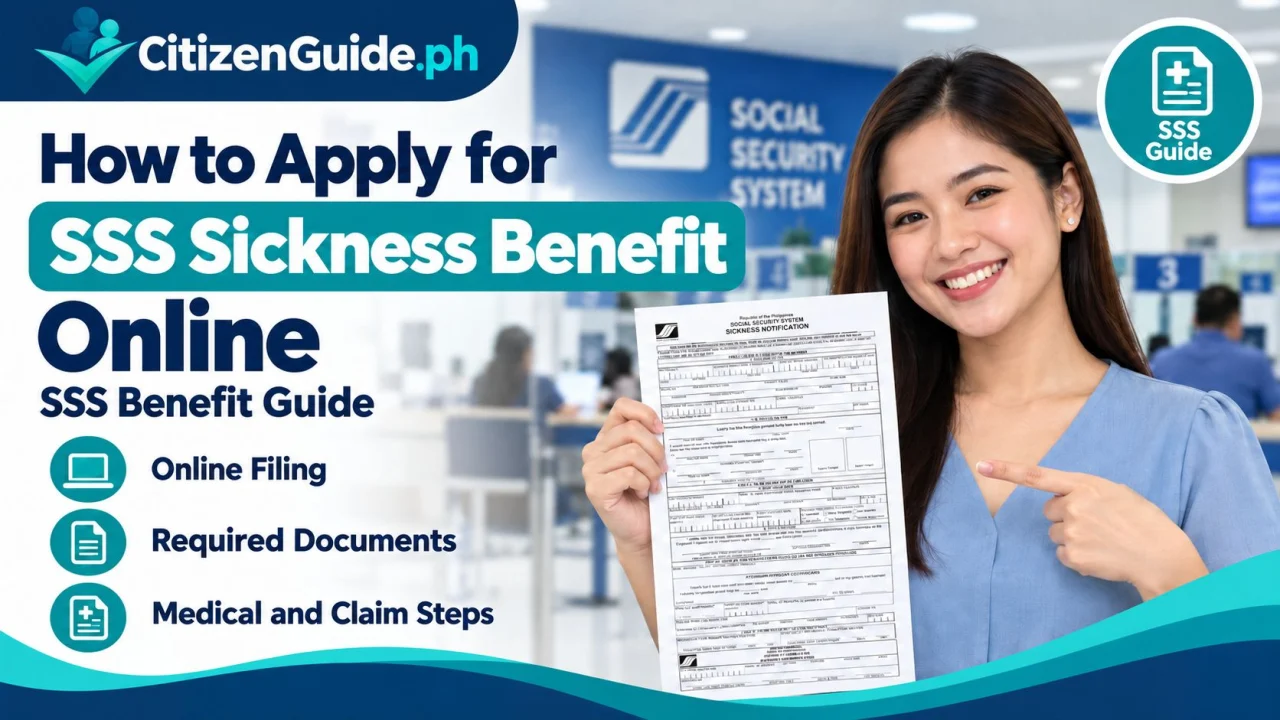
SSS sickness benefit online filing depends on your membership/employment situation and the required sickness notification or reimbursement path. Confirm which claimant route applies before submitting documents.
SSS Sickness Benefit is a daily cash allowance for a qualified member who cannot work because of sickness or injury. It can apply to home or hospital confinement, but the member must satisfy contribution, notification, and documentary requirements.
Basic eligibility
SSS currently lists the following core conditions:
- You are unable to work because of sickness or injury and are confined at home or in a hospital for at least four days.
- You have at least three monthly contributions within the 12-month period immediately before the semester of sickness or injury.
- You notify the employer if employed, or notify SSS if self-employed, voluntary, OFW, non-working spouse, or separated from employment, following the applicable deadlines.
- If employed, you generally must have used up the current company sick leave with pay, except for cases covered by special rules such as sea-based OFWs.
Benefit amount and limits
The daily sickness allowance is currently equivalent to 90% of the member’s Average Daily Salary Credit. SSS also limits sickness benefit to a maximum of 120 days in one calendar year and generally no more than 240 days for the same illness. A longer continuing condition may be evaluated under disability rules instead.
Important notification deadlines
For home confinement, notification is time-sensitive. An employed member generally notifies the employer within five calendar days from the start of confinement, and the employer then follows the SSS notification deadline. Self-employed, voluntary, OFW, non-working spouse, and separated members generally file the sickness benefit application within five calendar days for home confinement. Hospital-confinement rules allow a longer filing period. Check the current SSS page for your exact case because late notification can reduce or disqualify compensable days.
Step-by-step online filing for self-paying or separated members
- Sign in to My.SSS.
- Open Benefits → Sickness Benefit.
- Complete the online application. Enter the confinement and medical details accurately.
- Upload the required records. This commonly includes the SSS Medical Certificate and supporting medical documents when required.
- Review and certify the submission.
- Save the transaction number. SSS sends the evaluation result through the registered contact channels.
For employed members
The employee first submits the required medical proof to the employer. The employer submits the Sickness Notification and, after advancing the benefit when applicable, files the reimbursement application through the employer’s My.SSS account. SSS may require the employee to confirm receipt of the advance payment online.
Prepare your disbursement account
Qualified payees need an approved disbursement option registered through the SSS Disbursement Account Enrollment Module (DAEM) when direct payment applies. The supported channels can include participating PESONet bank accounts, eligible e-wallets, or approved cash payout/remittance arrangements.
Official sources
Which sickness-benefit filing path applies to you?
The useful first question is not “Where is the Apply button?” but “Who is responsible for the notification and claim steps in my membership situation?” The online workflow can differ depending on whether you are employed or filing under another eligible member status.
| Situation | What to verify first |
|---|---|
| Currently employed | Confirm the employer/member notification flow and what information the employer must certify or submit. |
| Self-employed or voluntary member | Check the current member-filing workflow, medical requirements, and disbursement setup in My.SSS. |
| Separated from employment | Confirm which status and filing route applies to the sickness period rather than using the employed-member path by default. |
| Claim already submitted | Track the existing claim and resolve document/disbursement issues instead of filing a conflicting duplicate claim. |
Build the sickness timeline before entering the claim
Write down the confinement or sickness dates, medical consultation dates, notification dates, employment status during the period, and the date you are filing. This simple timeline makes it easier to spot inconsistent entries before submission and to answer an SSS follow-up without reconstructing the case from memory.
Approval and payment are separate checkpoints
An approved benefit still depends on the payment/disbursement path being valid. Keep the claim reference and the disbursement-account information separately. If the claim status progresses but payment does not, investigate the payment setup rather than starting another sickness claim.