



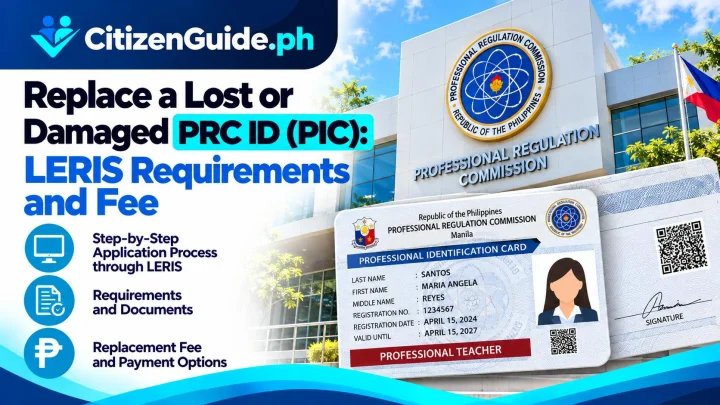



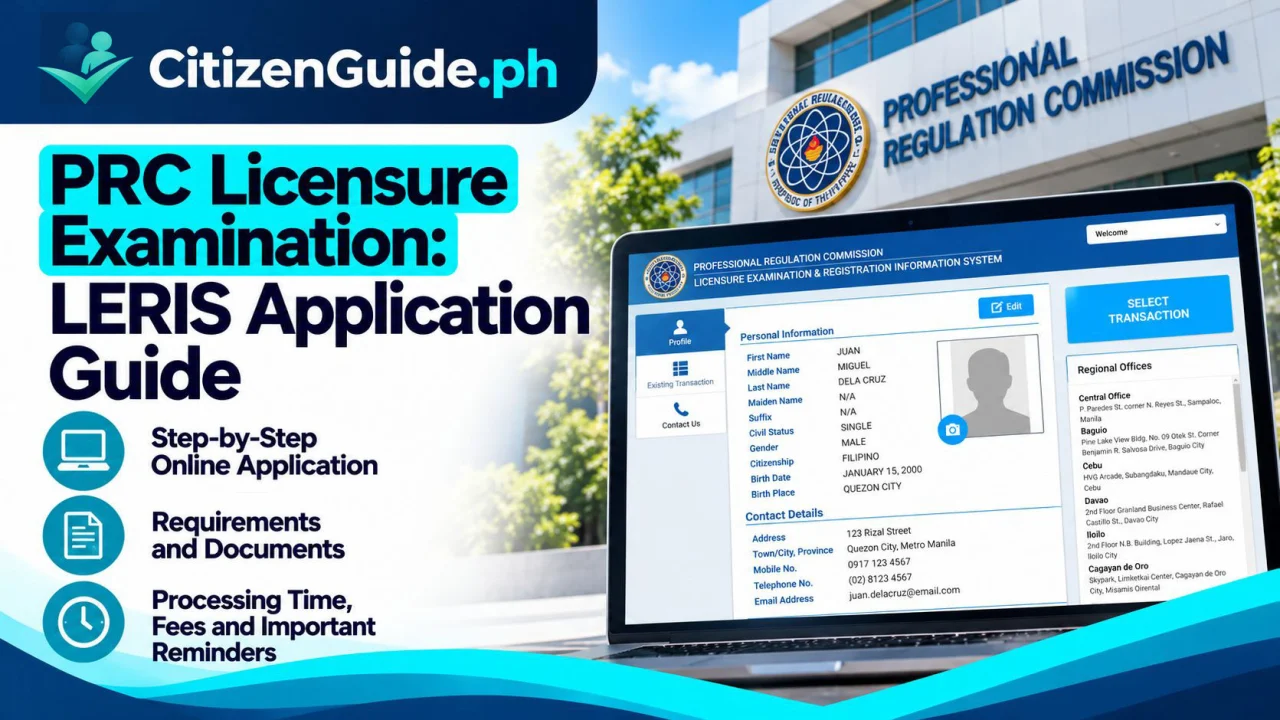
A PRC licensure examination application starts in LERIS but still depends on the documentary and qualification rules for the specific profession. Verify the exam-specific requirements before paying or scheduling.
Applications for PRC licensure examinations are filed through the Licensure Examination and Registration Information System (LERIS). For 2026 examinations, PRC publishes the examination date, testing centers, application opening date, filing deadline, target result date, and the profession-specific requirements.
Step 1: Check the official 2026 exam schedule
Before creating a transaction, open the PRC 2026 Schedule of Examinations. Confirm the exact licensure examination, filing period, testing centers, and requirements. PRC reminds applicants that applications should be filed within the prescribed period.
Step 2: Create or update your LERIS account
Go to the official PRC LERIS portal. Create your own account and enter your personal details exactly. PRC warns applicants not to let fixers create or control their profiles and not to share passwords.
Step 3: Start an Exam Application
- Sign in to LERIS.
- Select Examination or the current Exam Application transaction.
- Choose the profession/licensure examination.
- Confirm your personal and educational details.
- Upload or prepare the documents required by the specific Professional Regulatory Board.
- Select the available appointment/processing option shown by LERIS.
Step 4: Pay through an authorized channel
Pay only using a payment option listed in LERIS. Examination fees vary by exam and applicant category. Appointment slots are not sold separately; PRC specifically warns the public against fixers offering paid appointment slots or requesting account credentials.
Step 5: Submit documentary requirements
PRC’s standard process requires the supporting documents to be evaluated by the concerned Regional Office or Offsite Service Center, subject to the rules for that examination. Depending on the profession, documents can include civil-registry records, transcript of records, NBI Clearance, photos, certificates, and other board-specific requirements.
Step 6: Secure your Notice of Admission
After the application is processed and requirements are accepted, follow PRC instructions for the Notice of Admission (NOA). Keep the NOA and check the final room assignment, exam program, allowed calculator rules if applicable, and examination-day instructions.
Common mistakes
- Using the wrong exam or applicant category.
- Waiting until the filing deadline to create the transaction.
- Entering names or birth details that do not match the supporting documents.
- Giving the LERIS password to a fixer or third party.
- Assuming every board has the same requirements.
Official sources
Start with the exact profession and examination schedule
A PRC licensure-exam application is profession-specific. The filing window, documentary requirements, testing locations, and special instructions can differ by Professional Regulatory Board, so use the exact exam announcement rather than a checklist copied from another profession.
| Your case | What to verify before paying |
|---|---|
| First-time examinee | Check the full profession-specific documentary requirements and application period. |
| Repeater | Confirm whether the current exam instructions require a different or reduced set of documents for repeat applicants. |
| Your school/degree record has a discrepancy | Resolve the education or identity issue before relying on the appointment alone. |
| The filing deadline is near | Do not assume payment alone completes filing; verify the appointment/document-submission requirements for the exam. |
Before the appointment or document submission
Compare the LERIS profile with your PSA/identity and school records. Prepare the profession-specific originals/copies and keep the payment/application reference. A correct online profile reduces the risk of manual correction at the processing stage.
After filing: treat the Notice of Admission as a separate checkpoint
Follow the current PRC instructions for examination admission, room assignment, permitted items, and exam-day rules. A submitted LERIS application is not the same thing as being fully cleared to take the examination.