



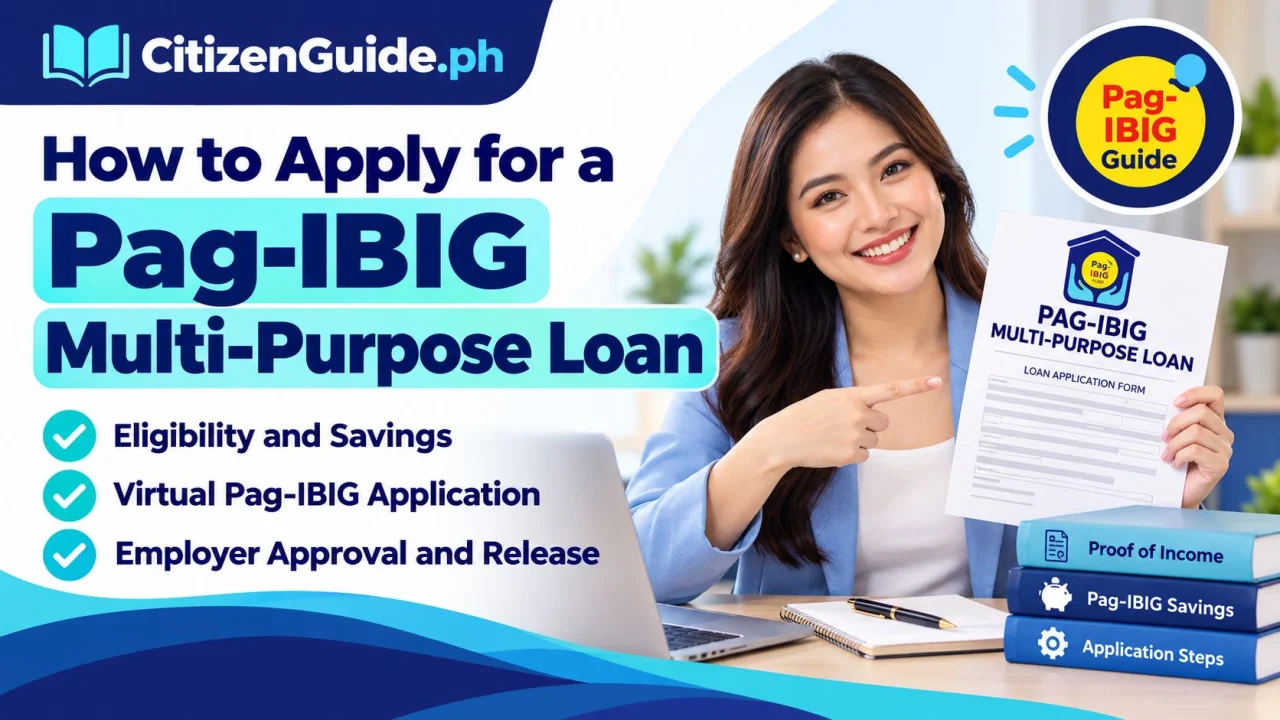
The Pag-IBIG Multi-Purpose Loan (MPL) is a short-term loan program for qualified members. Pag-IBIG identifies uses that can include minor home improvement, education, health and wellness, livelihood or additional small-business capital, utility or credit-card bills, repairs, travel, special events, and other personal needs covered by the program.
Check your eligibility before applying
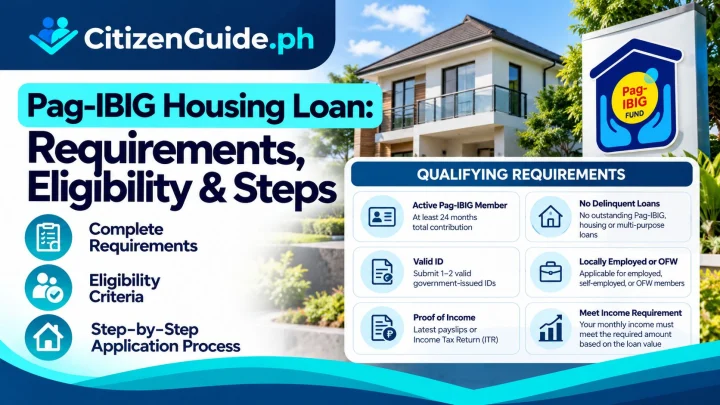
Pag-IBIG’s published Short-Term Loan procedures include membership-savings and account-status conditions. The Citizen’s Charter describes an MPL applicant as generally needing at least 24 monthly membership savings (or the qualifying equivalent), a recent membership saving within the required period, and no disqualifying default on existing Pag-IBIG loans. Your application is still subject to record validation, proof of income, capacity-to-pay rules, and the current program terms.
Documents and account details to prepare
- Pag-IBIG Membership Identification (MID) number.
- Valid identification accepted for the transaction.
- Proof of income appropriate to your employment or membership status.
- Active contact information and a Virtual Pag-IBIG account when using the online channel.
- Approved disbursement or release details, such as the channel required by Pag-IBIG for your application.
- Employer information if your online application requires employer certification or approval.
Step-by-step application through Virtual Pag-IBIG
Pag-IBIG’s Citizen’s Charter includes Short-Term Loan processing through Virtual Pag-IBIG with an employer interface for applicable applications. Start only from the official Pag-IBIG Fund website or Virtual Pag-IBIG.
- Sign in and verify your member record. Check your name, MID number, contact details, and posted savings before filing.
- Open the Short-Term Loan / Multi-Purpose Loan service. Use the transaction available to your account.
- Complete the application accurately. Enter the requested loan, employment, income, release, and contact information.
- Upload or provide supporting requirements when requested. The required proof can differ by membership/employment status.
- Submit the application. For an employed member using an employer-assisted process, the employer’s Authorized Approving Officer may need to confirm the application.
- Monitor the application. Respond to requests for correction, document validation, or employer action.
- Review the approval and disclosure. The amount you request is not automatically the amount Pag-IBIG will approve.
- Confirm release and repayment details. Keep the transaction record, billing information, and repayment schedule.
How the approved amount is determined
Your final approved amount depends on the applicable Pag-IBIG program rules, your membership savings and record, requested amount, capacity to pay, and other validation. Treat online estimates or maximum-loan references as informational until Pag-IBIG issues the actual approval and disclosure for your application.
Employer approval can affect processing time
For applicable employed-member applications, the Citizen’s Charter describes a process that begins from confirmation by the employer’s Authorized Approving Officer and continues through validation and release. If an application appears stuck, check whether an employer action is still pending before filing a duplicate request.
Repaying the MPL
Follow the billing statement or official Pag-IBIG payment instruction for the exact amount due. Pag-IBIG’s Virtual Pag-IBIG payment guide supports Short-Term Loan payments and indicates that the exact MPL amount due should follow the billing statement. Keep payment references so you can reconcile your account if a payment posts late.
Common reasons an application may be delayed
- Insufficient or unposted membership savings for the applicable eligibility rule.
- Pending employer confirmation for an employer-assisted online application.
- Mismatch in personal, employer, or income information.
- Incomplete supporting documents or an issue with proof of income.
- Existing loan or account status that requires resolution.
- Disbursement/release details that cannot be validated.
Security reminder
Do not share your Virtual Pag-IBIG password, one-time PIN, or account screenshots with loan “agents” on social media. Use the official Pag-IBIG website, Virtual Pag-IBIG, branch, or published support channels for account-specific concerns.