





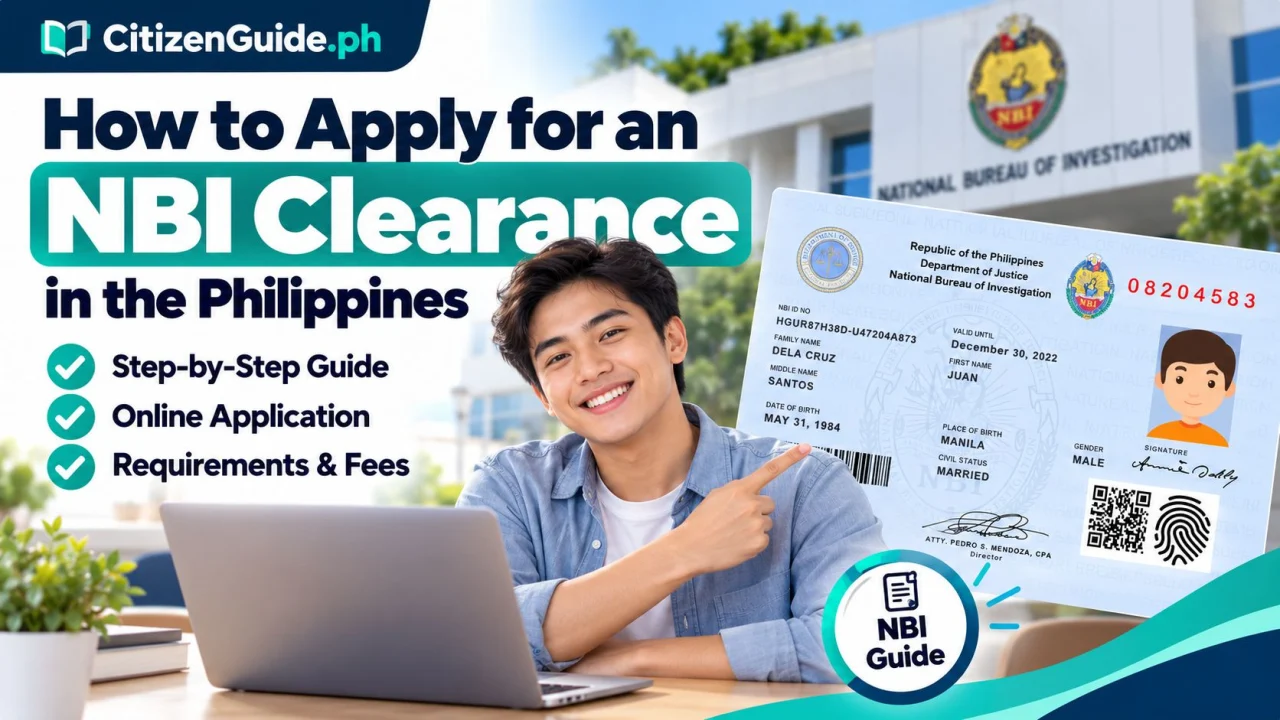
An NBI Clearance is commonly requested for employment, travel, licensing, and other transactions. The normal application starts online, but applicants still need to follow the NBI’s identity-verification and biometrics process at the selected branch unless the official service being used specifically provides another approved workflow.
What you need before starting
- An active email address and mobile number.
- Your correct personal information, including birth details.
- Acceptable government-issued identification for verification at the NBI site.
- A payment method supported by the official NBI application portal.
Step-by-step NBI Clearance application
- Go to the official NBI Clearance portal. New users need to create an account. Existing applicants can sign in using their registered credentials.
- Complete your applicant profile. Enter your information carefully and make sure important details match the IDs you will present.
- Select the clearance application option. Choose your preferred NBI branch and an available appointment schedule if the portal asks you to select one.
- Choose a payment method. The portal will generate the reference information needed for payment. You can start from the official NBI Clearance portal. Pay only through the official options shown to you.
- Keep your reference number. Save a screenshot or copy of the transaction/reference details so you can retrieve them during your visit.
- Go to the selected NBI site with valid ID. Follow the branch process for identity checking, photograph, fingerprints, signature, and record verification.
- Wait for the result. If the record returns “No Hit,” the clearance may proceed to printing after processing. If it returns “With Hit,” NBI may give you a return date or require further verification.
First-time job seekers
Qualified first-time job seekers have a separate NBI process under the First Time Jobseekers Assistance Act. Check the official NBI first-time jobseeker channel before using the regular workflow. The NBI’s current Citizen’s Charter lists a dedicated first-time-jobseeker portal and requires a barangay certification plus acceptable identification. If you are applying under this benefit, use the official first-time jobseeker instructions instead of assuming that the regular paid process applies.
About “Hit” status
A “Hit” does not automatically mean that an applicant has a criminal case. It means the NBI system needs additional record verification before the clearance can be released. Follow the return date and instructions issued by the NBI branch.
Safety reminders
- Use the official clearance.nbi.gov.ph registration system.
- Do not send your password, OTP, or complete identity documents to strangers offering to “process” the clearance for you.
- Check the spelling of your name and other personal details before submitting.
- Keep the payment reference and appointment information until the transaction is complete.
Official sources
- NBI: How to Apply for NBI Clearance
- Official NBI Clearance Online Services
- NBI First-Time Jobseeker Citizen’s Charter
CitizenGuide.ph is not an NBI office and cannot approve, expedite, or verify an individual’s clearance result.
Before booking: know whether this is a new application, renewal, or a record issue
An online appointment solves scheduling, but it does not automatically solve a name mismatch, an old account problem, or a record that requires further verification. Identify the real issue before paying so you do not repeat the same transaction unnecessarily.
| Your situation | Best next step |
|---|---|
| You can access your NBI account and details are correct | Proceed with the current appointment/payment workflow. |
| You cannot access the old account | Recover or resolve the existing account first rather than creating multiple profiles with different details. |
| Your name or civil-status information changed | Prepare the supporting identity/civil-registry documents needed to explain the change. |
| Your transaction is placed on further verification | Follow the official release/verification instruction shown for that application instead of submitting a duplicate application. |
At the branch: check the printed identity data before leaving
Review the spelling of your full name, birth details, and other identifying information shown on the clearance. If something is wrong, ask about the correction path while the transaction details are still easy to trace.